Vantum Gaming Chair


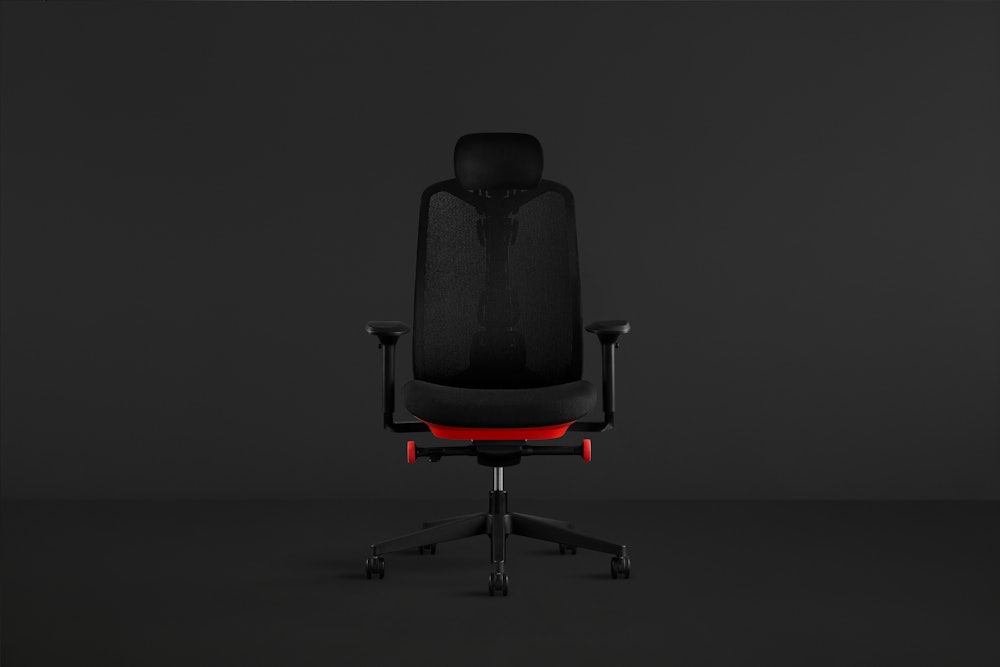
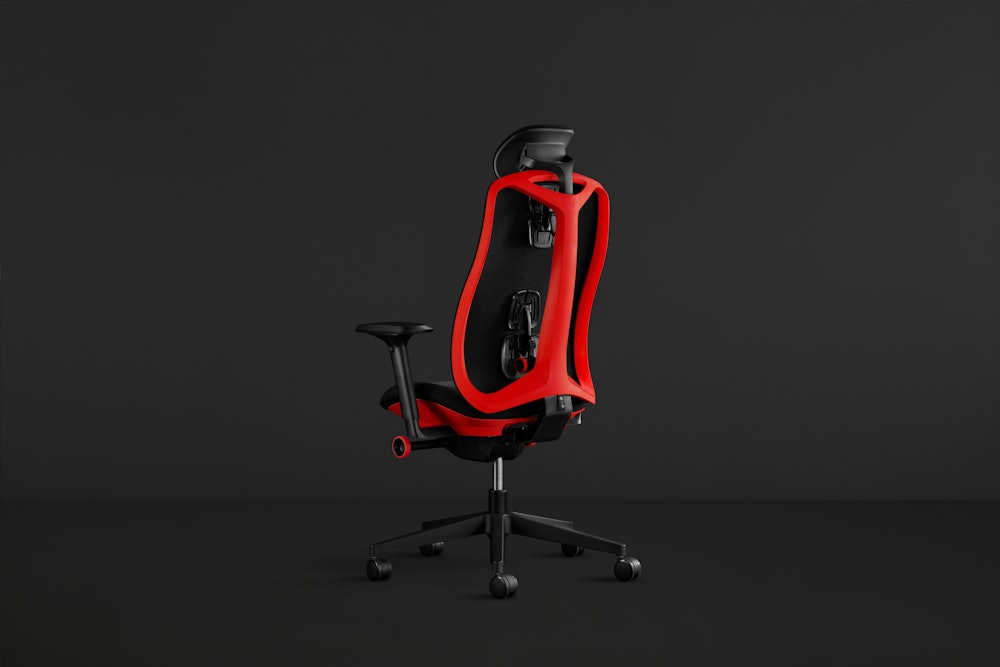
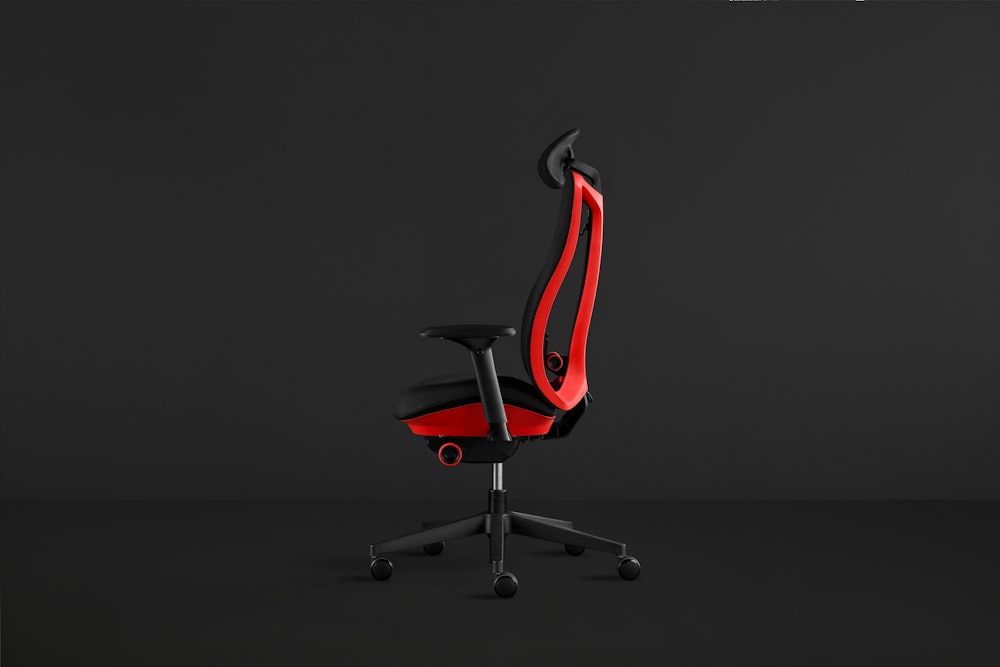
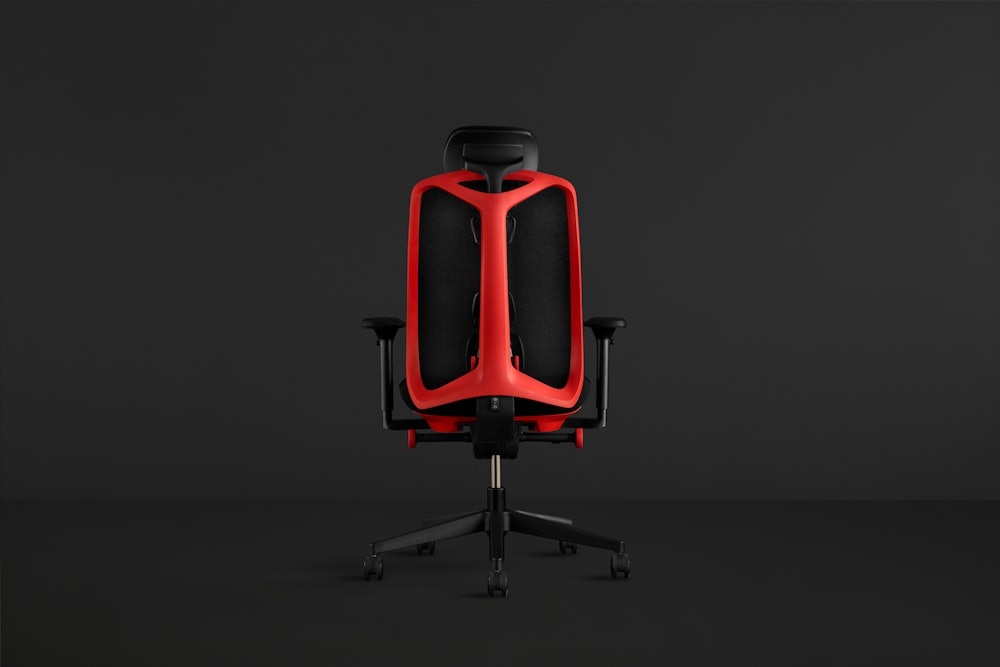
Vantum Gaming Chair

Easy returns
Not satisfied? Return items within 30 days. Learn more

Authenticity guaranteed
Original design from the source.

Pro level gear
Warranty
12-year warranty
Terms and conditions apply. Learn more

Vantum Gaming Chair
Details
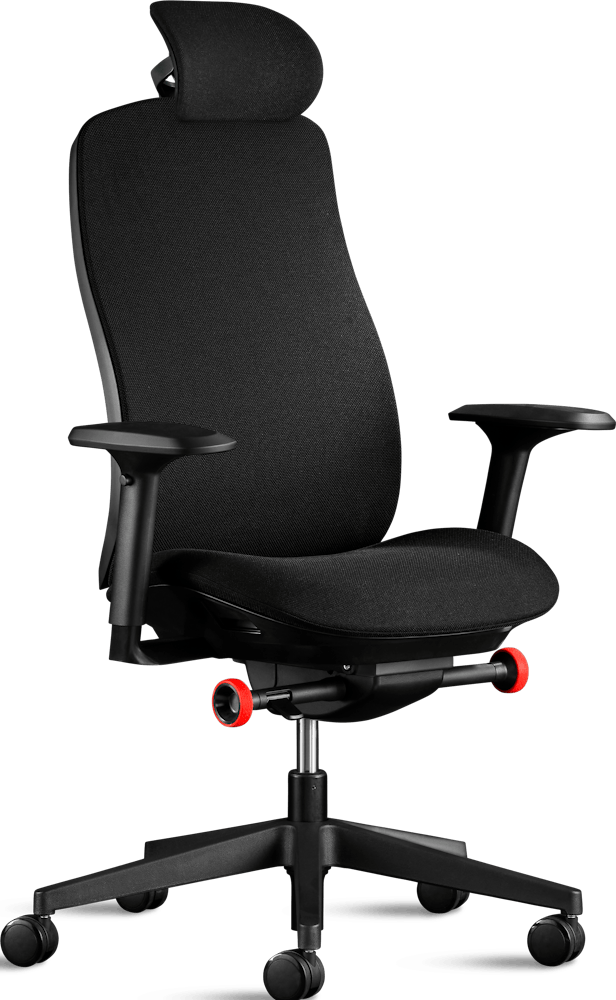
- Our first-ever performance chair made specifically for gamers, Vantum is the next step in our design collaboration with Logitech G.
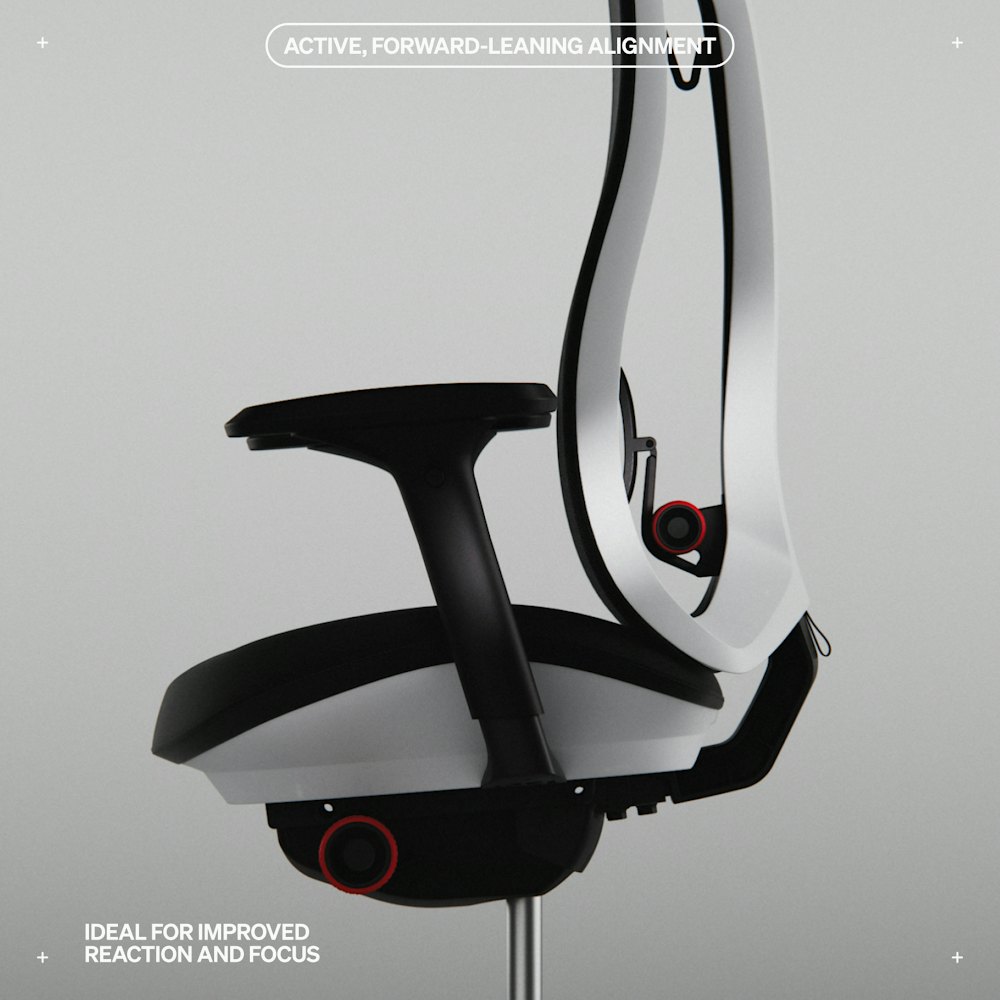
- Engage your optimal playing posture from the moment you sit down with Vantum’s active, forward-leaning alignment.
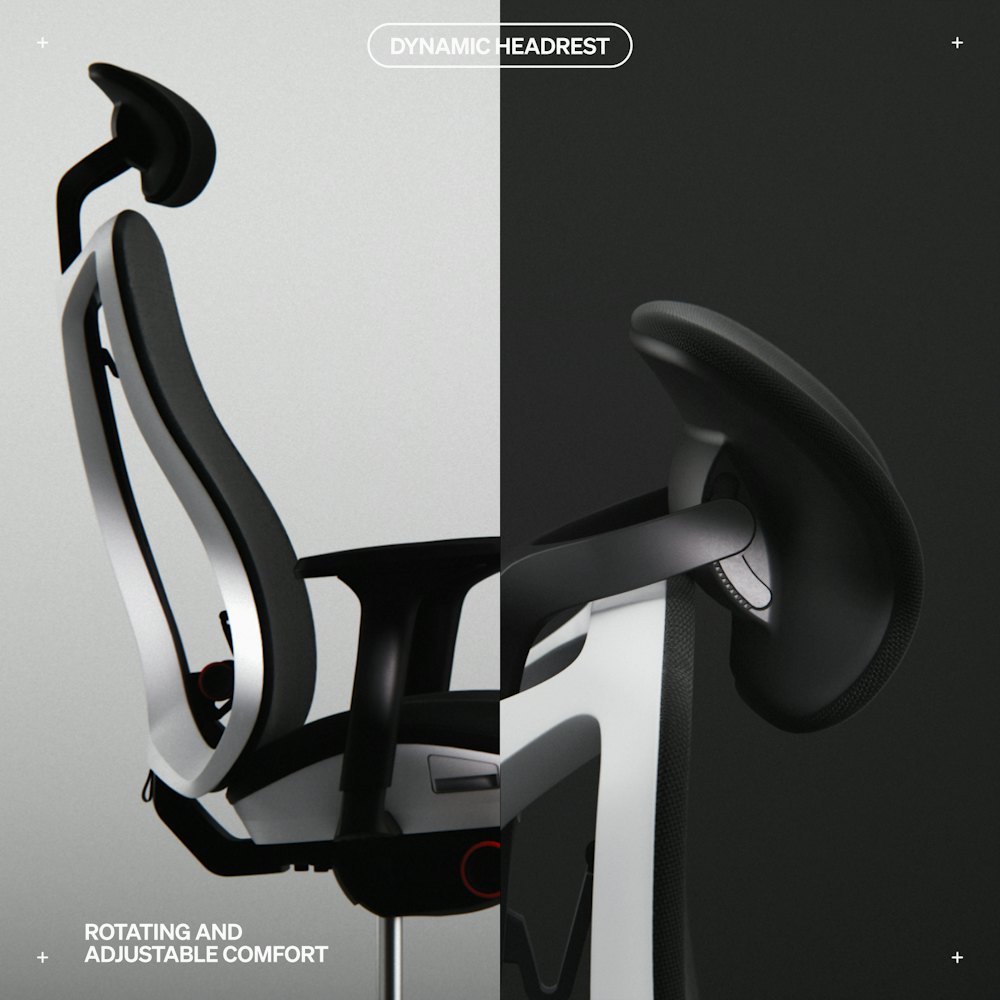
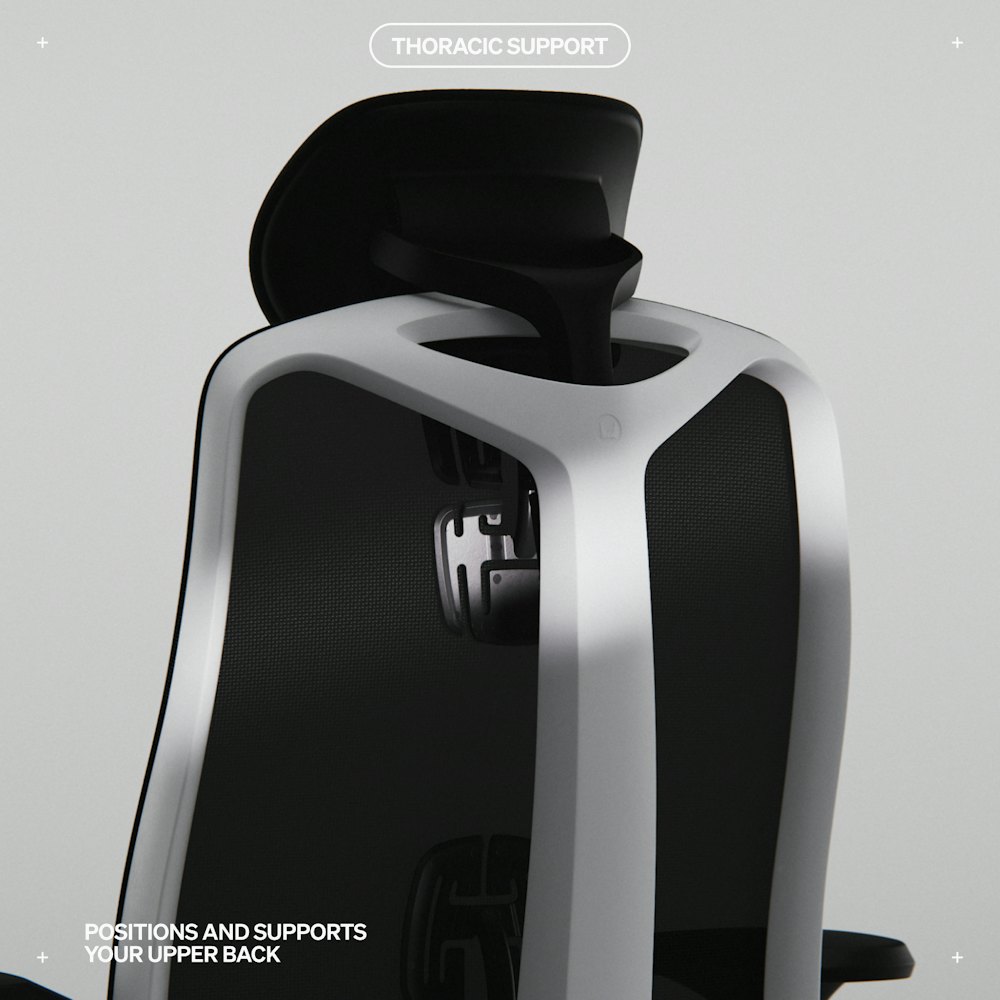
- Working synchronously with Vantum's thoracic support pad, the redesigned adjustable headrest provides total support for your head, neck, and shoulders so you can always play from your preferred POV.
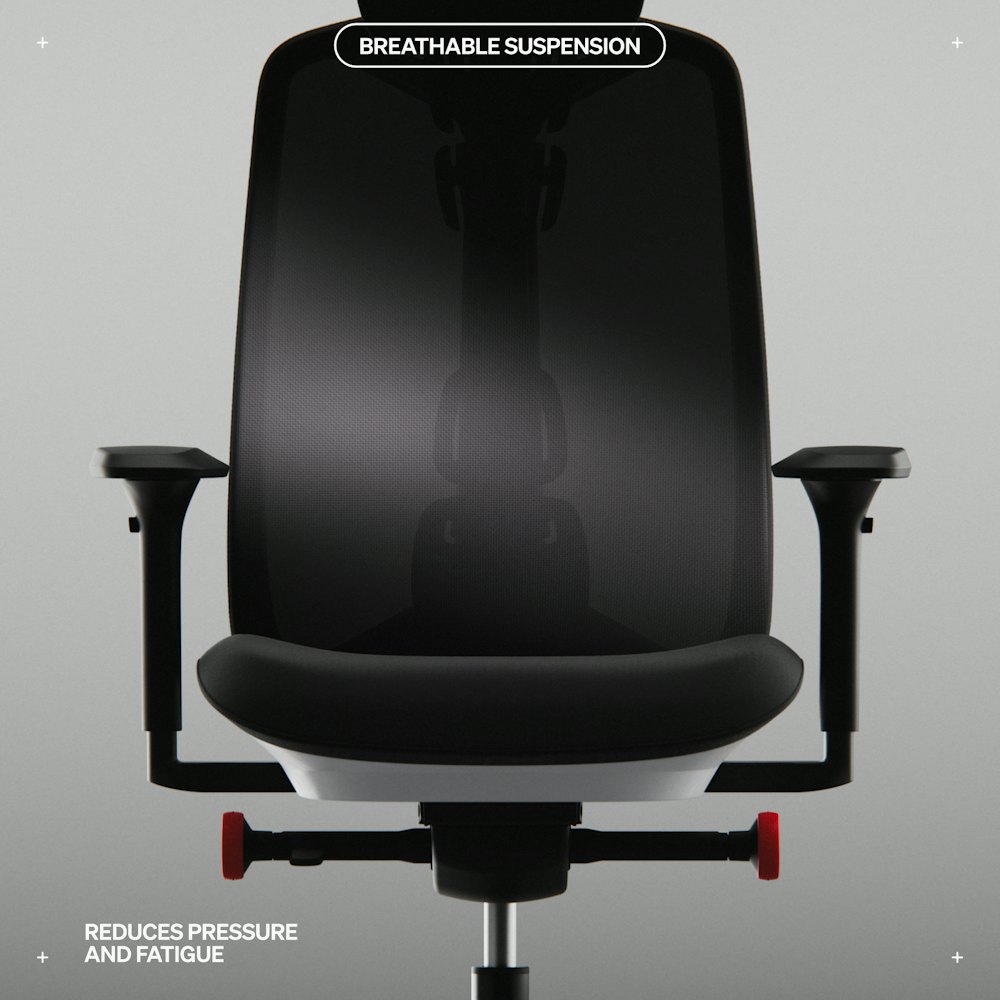
- Exclusive suspension material provides lasting, breathable comfort during marathon gaming sessions.
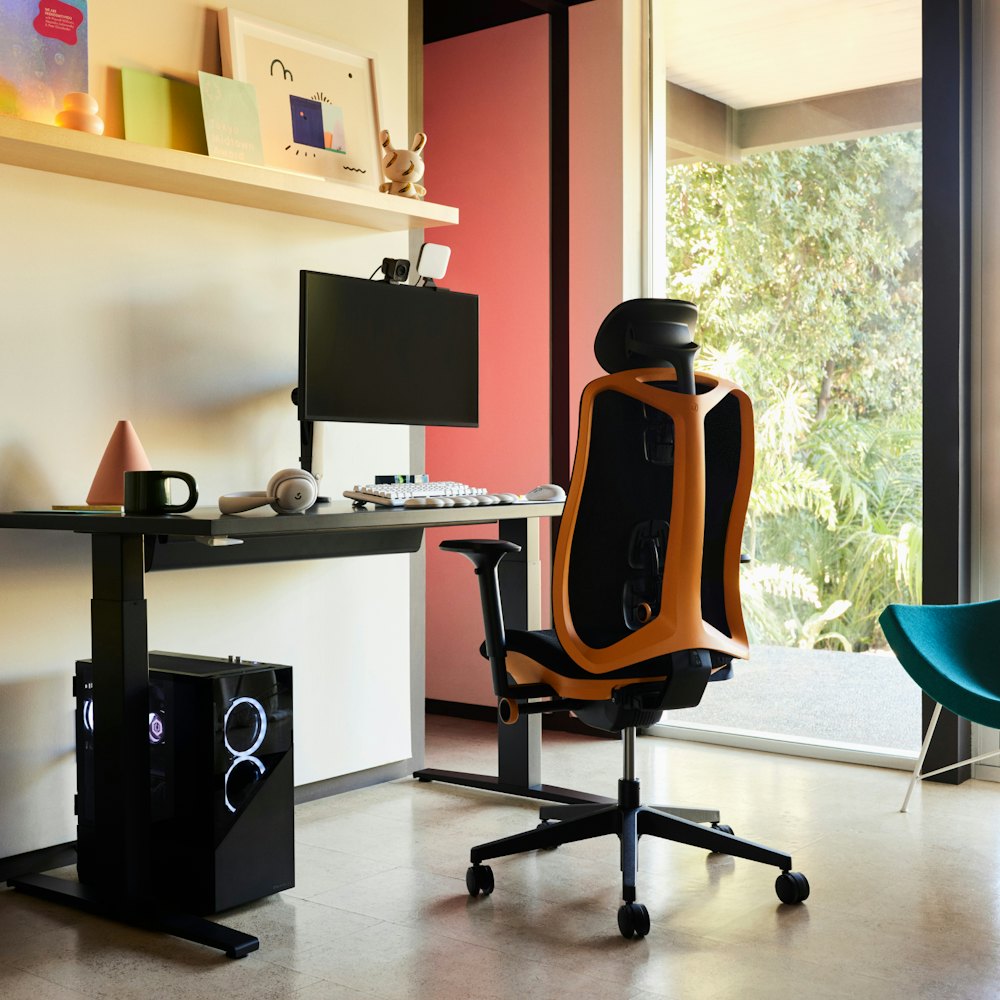
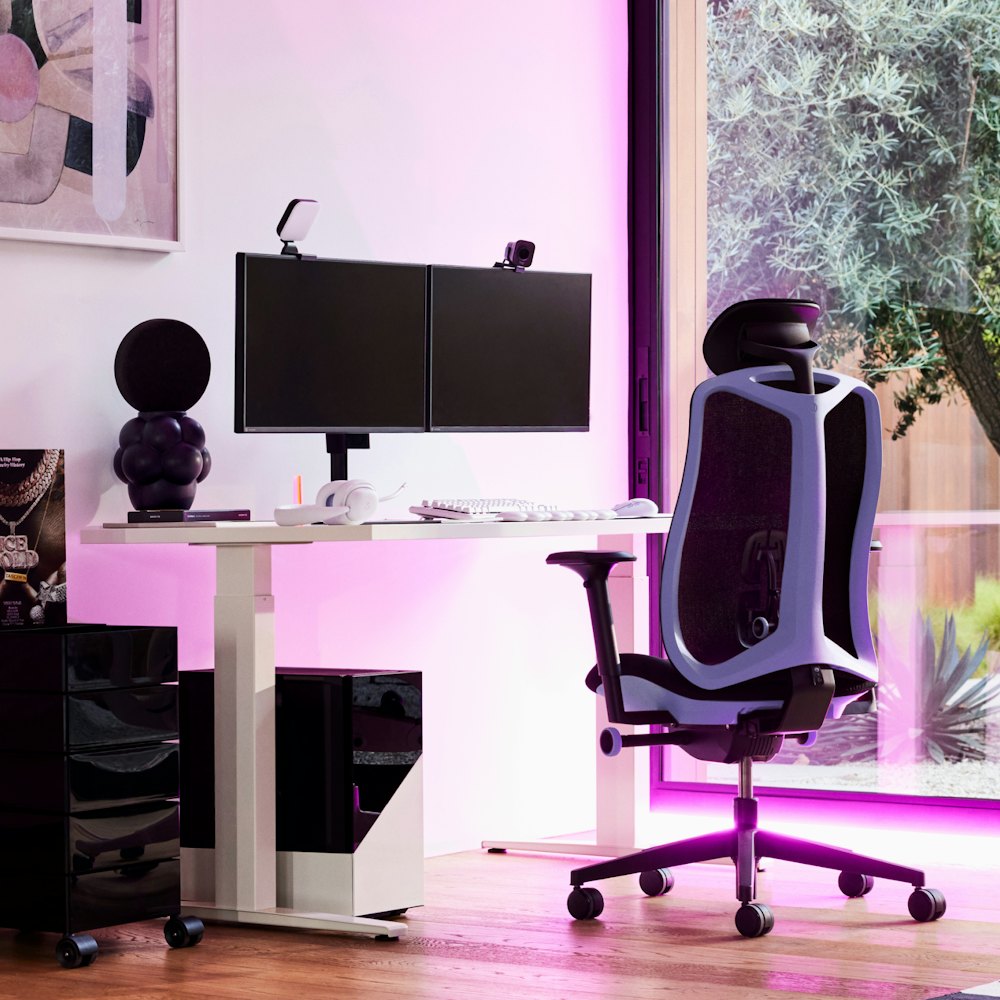
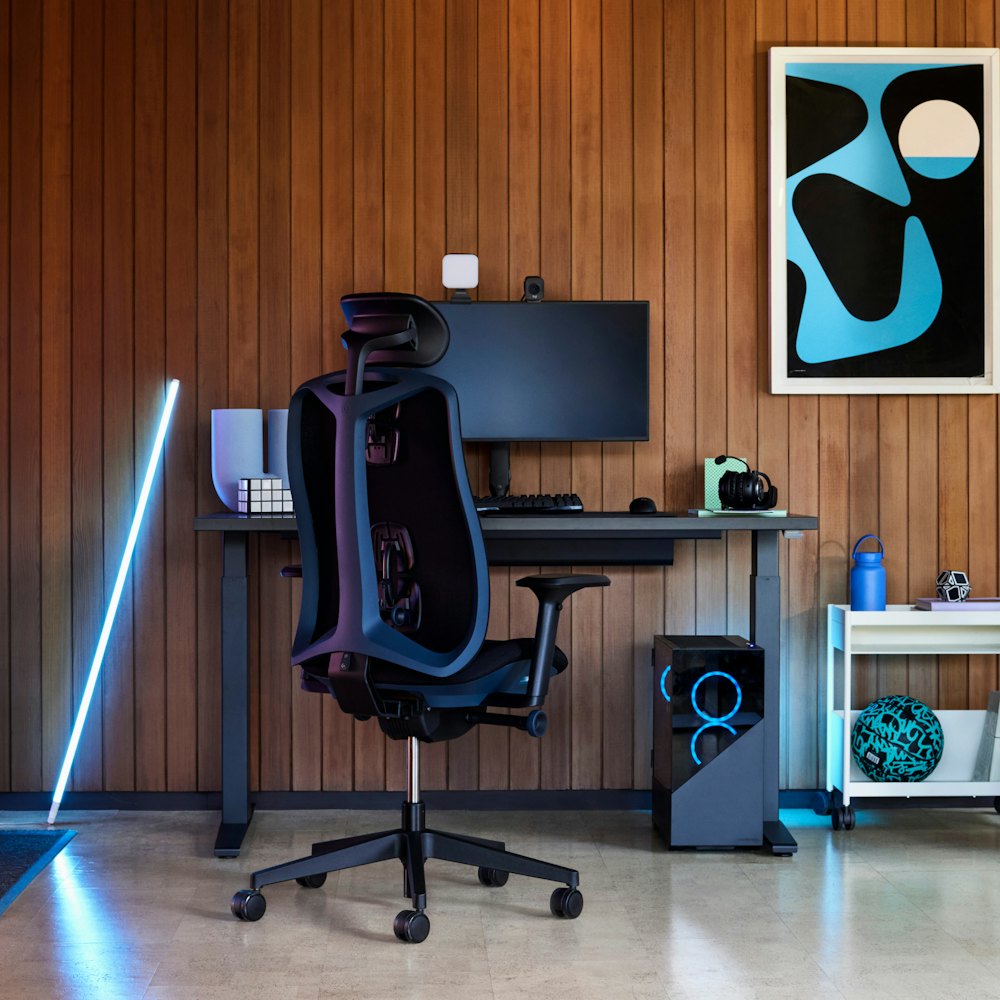
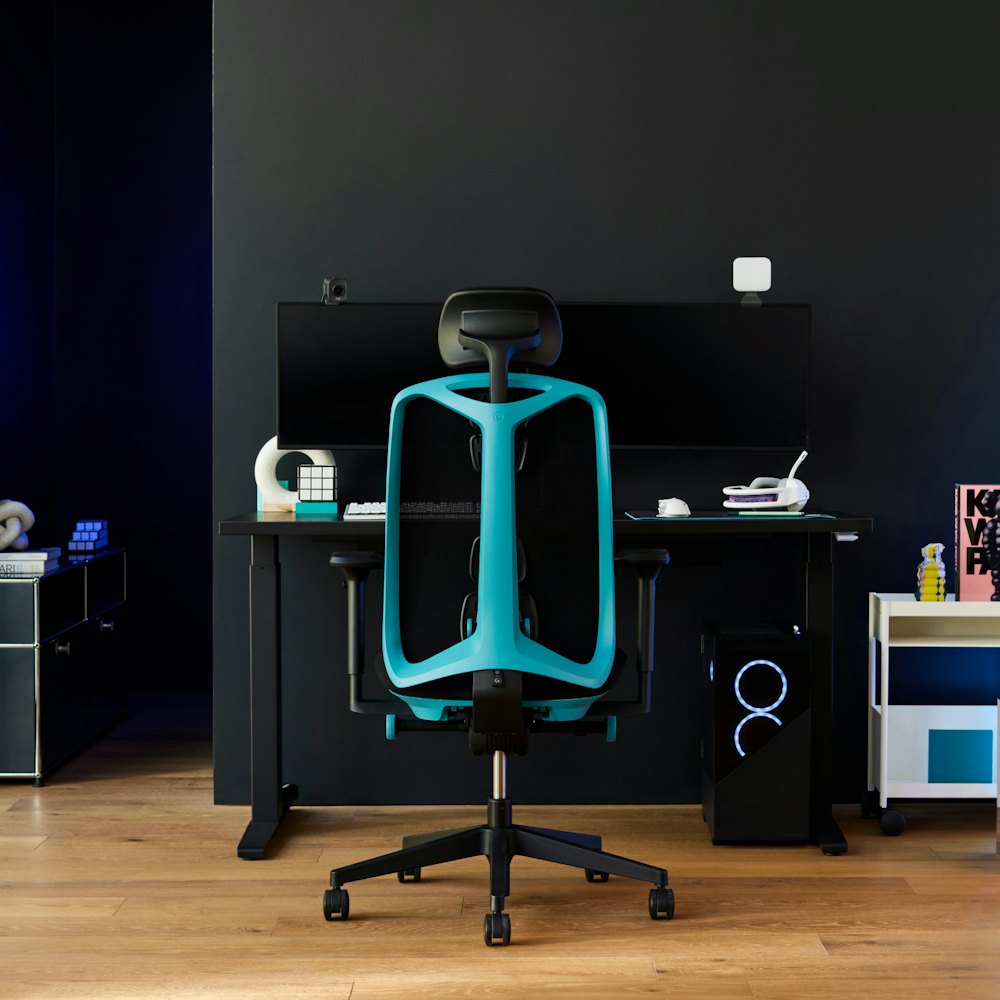
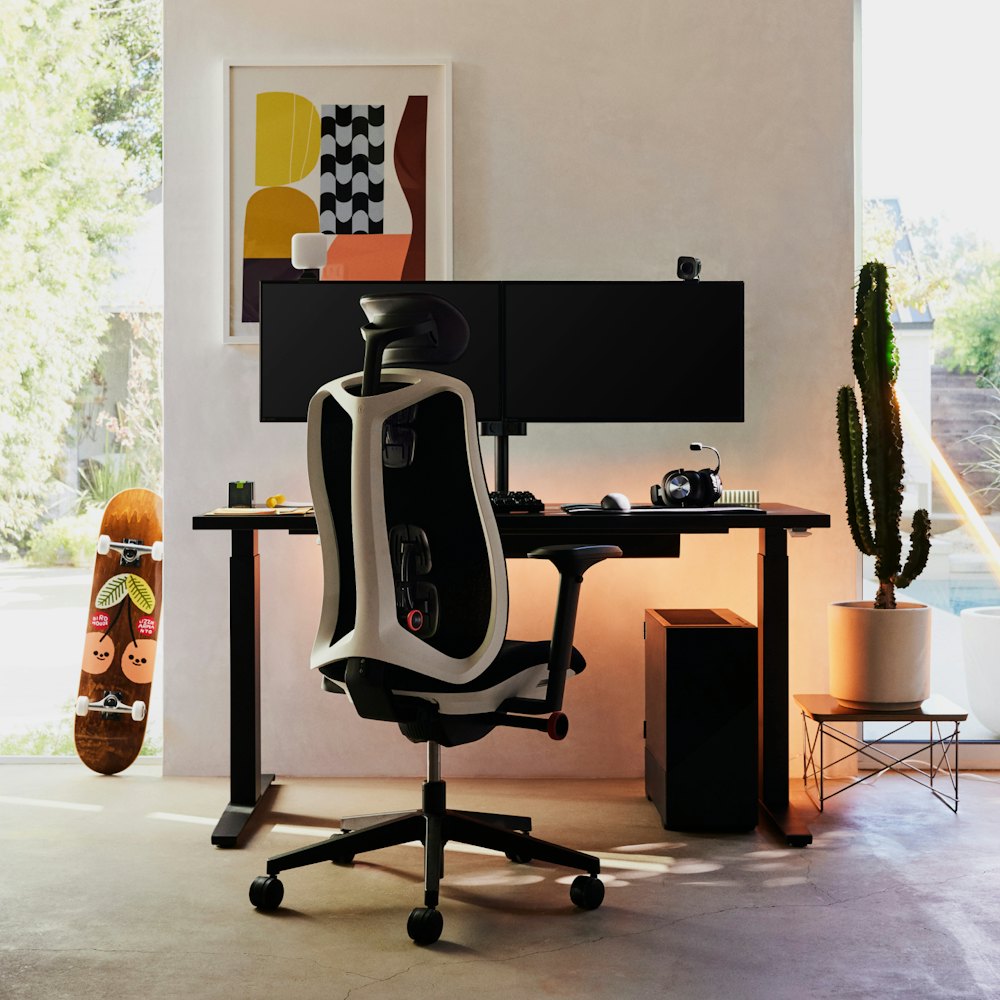
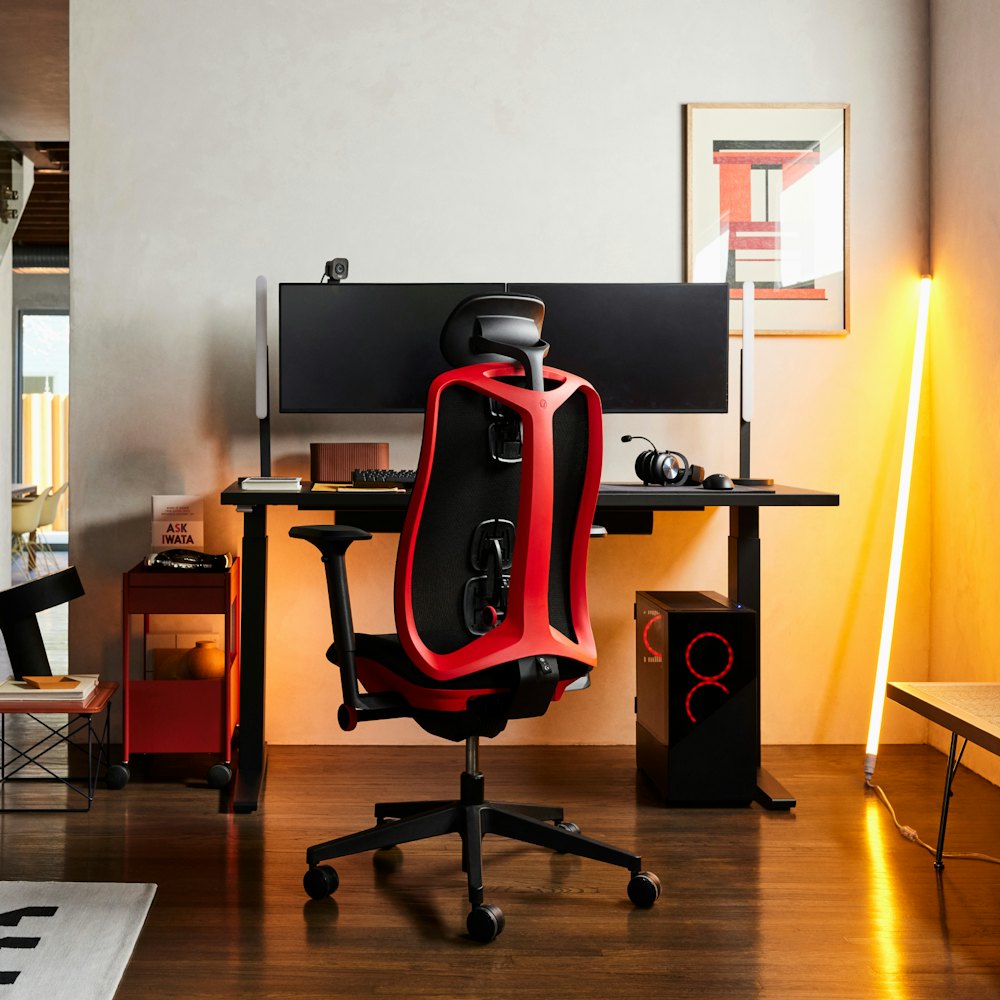
- Choose from seven distinct colorways to match your gaming setup and style.
- General Dimensions
-
- 44¼" H 30½" W 29" D
- Product Weight
- 37 lbs
- Assembly
- Requires Assembly
- Warranty
-
12-year warranty
Terms and conditions apply. Learn more
Gaming Chair
- Height Min (in): 40¼
- Height (in): 44¼
- Width (in): 30½
- Depth (in): 29
- Seat Height Min (in): 18
- Seat Height Max (in): 22
- Seat Width (in): 20
- Seat Depth (in): 17½
- Weight (lbs): 37
- Weight Capacity (lbs): 350
- Proprietary elastomer and polyester suspension backrest
- Polyurethane foam headrest and seat cushion topped with 100% post-consumer recycled polyester fabric
- Glass-filled nylon frame and base
- Flexible polyurethane integral skin foam arm pads
- Notification of Filling Contents
Care & Maintenance
With regular care and maintenance, your Herman Miller product will provide many years of superior performance and satisfaction. To maintain quality, please follow the cleaning procedures outlined here.
The instructions for the care and maintenance of Herman Miller products are provided to you as a service. No warranty is implied since results may vary.
Care & Maintenance Guide for Vantum Gaming Chair
THE EVOLUTION OF INNOVATION
Our latest gaming chair unlocks superior breathability, ergonomics, and versatility to perform for every player. Discover the next generation of gaming design with Vantum.
SCIENCE-BACKED ERGONOMICS
The Vantum Gaming Chair positions players for faster reaction times and increased focus with an optimal and active gaming posture. Designed with an adjustable headrest, Vantum also provides comfort through the neck and spine when gamers are ready to press pause.
Optimal Gaming Posture
Thoracic Support
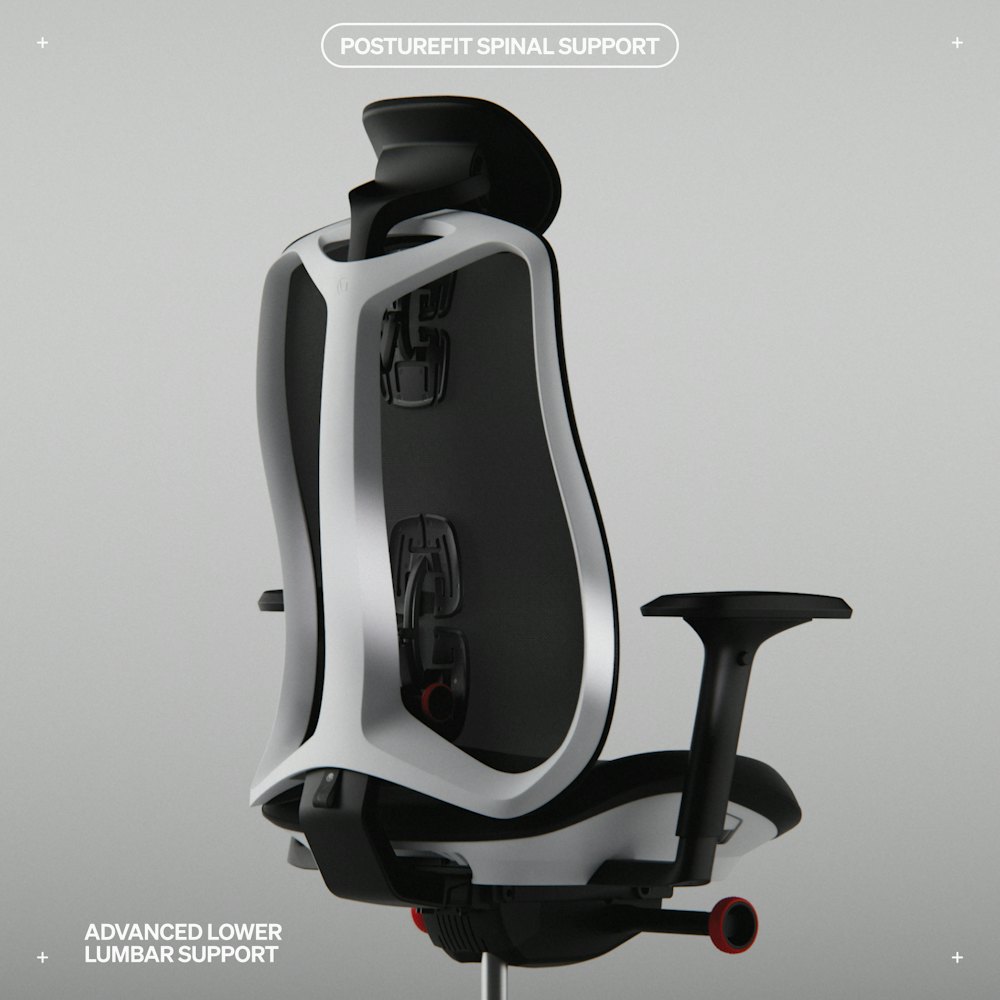
Posturefit Spinal Support
Adjustable Headrest
Breathable Suspension
FREQUENTLY ASKED QUESTIONS
The Vantum Gaming Chair supports a maximum weight capacity of 350 pounds.
Adjusting the Vantum Gaming Chair involves several independent control mechanisms. To raise the seat, lift the tab while simultaneously lifting your body weight off the seat. To lower the seat height, remain seated and lift the tab until your feet rest flat on the floor.
To adjust the sacral-lumbar support, reach behind the backrest and turn the sacral-lumbar knob fully clockwise. This initial rotation shapes the support mechanism to engage with your spine. While keeping your back against the chair, slowly dial the knob counterclockwise until your head aligns naturally with your monitor.
The Vantum's arm pads adjust in three dimensions: height, width, and depth. Press the button on the underside of each arm pad to raise or lower the arms. To adjust width, pull each arm pad inward or outward to match your shoulder width. For depth adjustment, grasp the front end of the arm pad and slide it forward or backward.
To adjust the seat depth, lift your thighs slightly from the front of the seat. Locate the handle on the right side of the seat and lift it upward to disengage the locking mechanism. Slide the seat forward or backward to your preferred depth. The seat should support your thighs without pressing against the back of your knees. Release the handle downward to lock the depth setting.
To adjust the chair’s tilt, while sitting upright, turn the tilt limiter knob below the left side of the seat clockwise to decrease the reclining limit or counterclockwise to increase it. Turn the tilt tension knob, located below the right side of the seat, clockwise to increase tension (making the chair harder to recline) or counterclockwise to decrease it (allowing easier reclining motion).
To adjust the headrest, reach both hands around the back of your head and grasp the headrest stalk. Pull the headrest up or down to position it at the base of your skull. To rotate the headrest angle, grab the headrest pad itself and rotate it upward or downward.
The Vantum Gaming Chair's value proposition centers on three factors: durability, health support, and adjustment precision. Its glass-filled nylon construction and proprietary suspension material resist the wear patterns common in gaming chairs subjected to daily multi-hour use. This durability reduces the total cost of ownership compared to replacing lesser chairs every two to three years.
From a health perspective, the Vantum's forward-leaning alignment and sacral-lumbar adjustment system address the postural challenges specific to gaming. Extended gaming sessions often involve sustained forward lean and rapid positional changes. The chair's thoracic support pad and adjustable headrest maintain spinal alignment across these movements, potentially reducing neck strain and lower back discomfort associated with prolonged gaming.
The seven-point adjustment system provides customization depth uncommon in gaming chairs at this price point. Each mechanism operates independently, allowing users to fine-tune support without compromise.